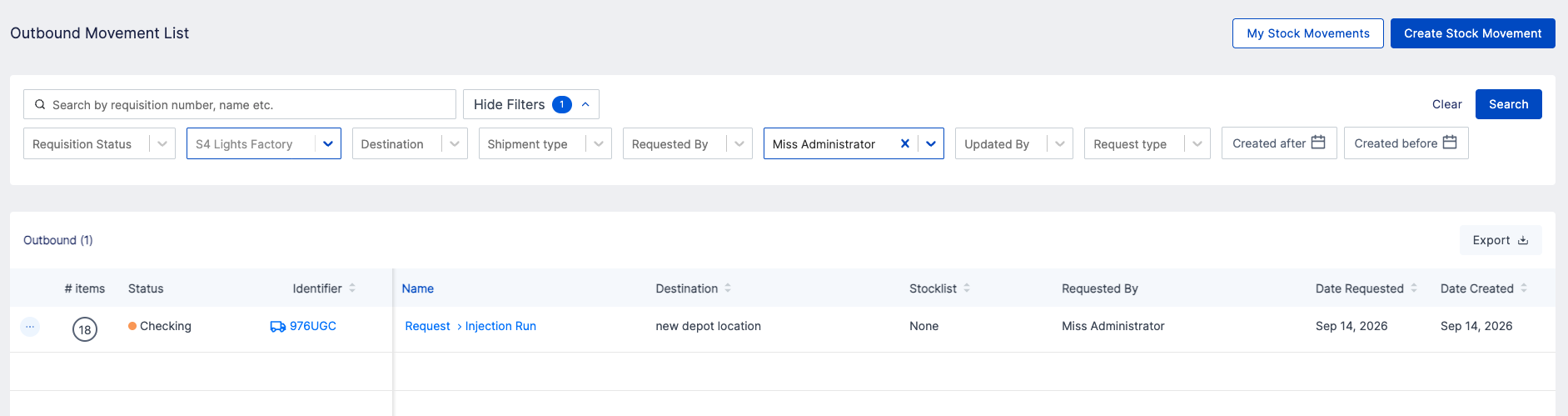
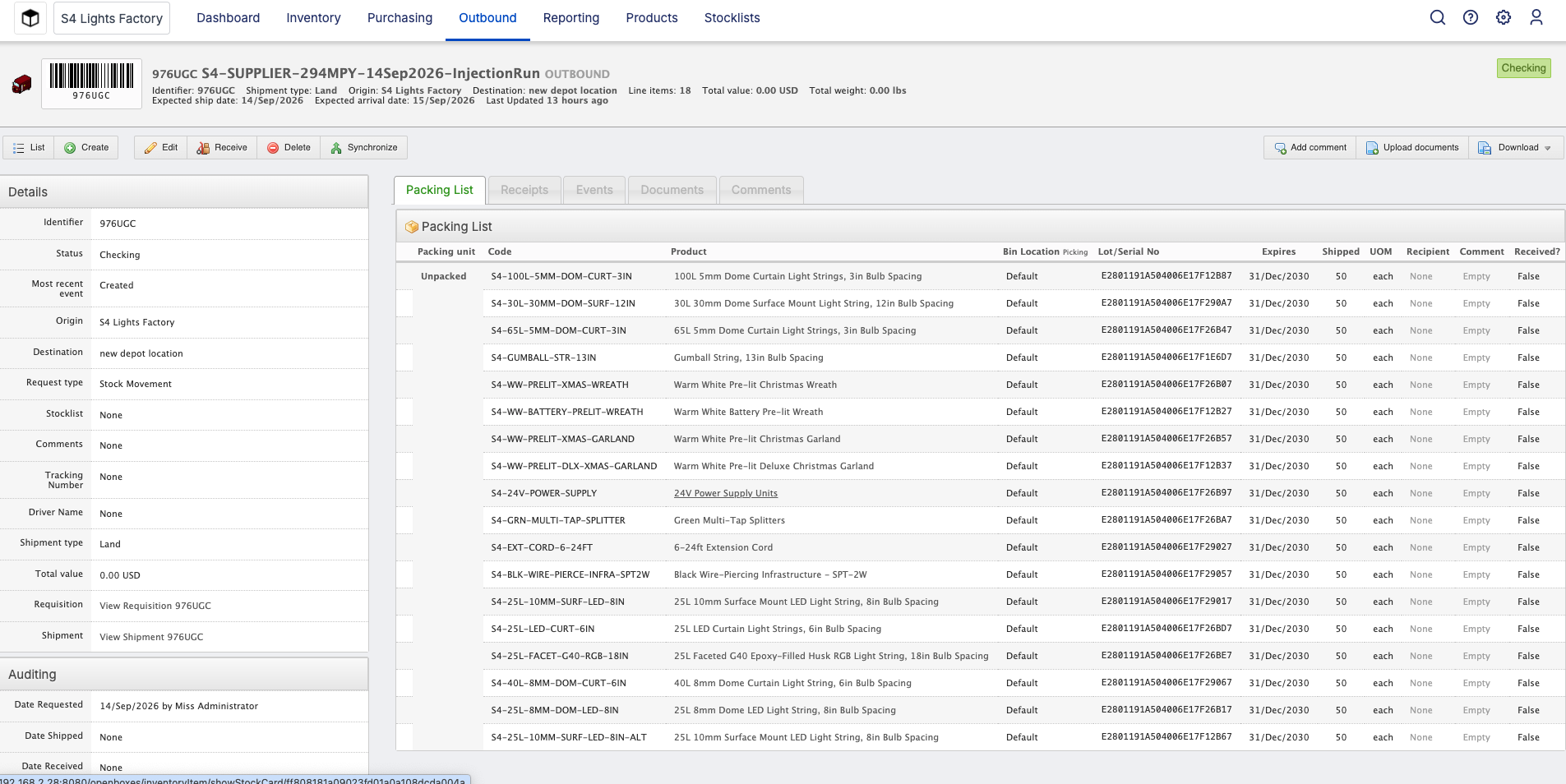
I click on the identifier. In the second image, it is showing Checking status on the top right. My goal is to move the status to Shipped. When I click on Receive, it is showing
“Stock movement 976UGC has not been shipped”. I am struggling to find the Shipment action. I see Edit button. When I click on the Edit button, it seems to me starting the Stock Movement all over again. Any help is much appreciated.
To ship an in progress (ie “Checking”) stock movement you need to click the “Edit” button on the stock movement view page like you’ve already done and proceed through the stock movement until the final step (pick → pack → send). Once you click “send shipment” on the final page the stock movement will be issued.